
A visual timer
Each dot stands for a set stretch of time - fifteen minutes, for instance. The next one pulses gently. We deliberately avoid fast flashing and intense animation, and the app respects the system reduced-motion setting.
Your time. Your tasks. Your rhythm.
A visual activity timer that shows children what they are doing now and how much time is left. No clock-reading needed.
Versions for Android, iOS and the browser - including interactive whiteboards in the classroom - available to pilot participants.
The project is in pilot deployment - access for selected organisations.
How it works
You set an activity up once. After that children start it with a single tap.
Name it the way you talk about it every day. It stays in the library for good.
132 AAC pictograms - symbols that support communication - with names and a search box. Or a photo of your own.


The number of dots and the length of one dot. The total works itself out - there is no way to enter a contradiction.
Screen lock with one tap. Children see the timer but cannot change anything.
Leaving the activity and stopping the timer are both disabled.
Demo
This is not a recording. Pick an activity, set the time and start it - this is exactly the screen children see. The demo runs faster than real time so you can watch it through.
Ready to start.
Time made visible
For children who cannot yet read a clock, "fifteen minutes" can be hard to picture. The dot that has just lit up means everything.
00:00
0 of 8 dots
Children see eight dots. That is the whole lesson - not an abstract "in two hours".
The next one pulses gently. It is the only thing on screen that moves, so attention comes back to it.
No counting and no asking "how much longer?". The answer is on screen the whole time.
The last dot does not surprise anyone - children watched it come closer.
Features
Each dot stands for a set stretch of time - fifteen minutes, for instance. The next one pulses gently. We deliberately avoid fast flashing and intense animation, and the app respects the system reduced-motion setting.
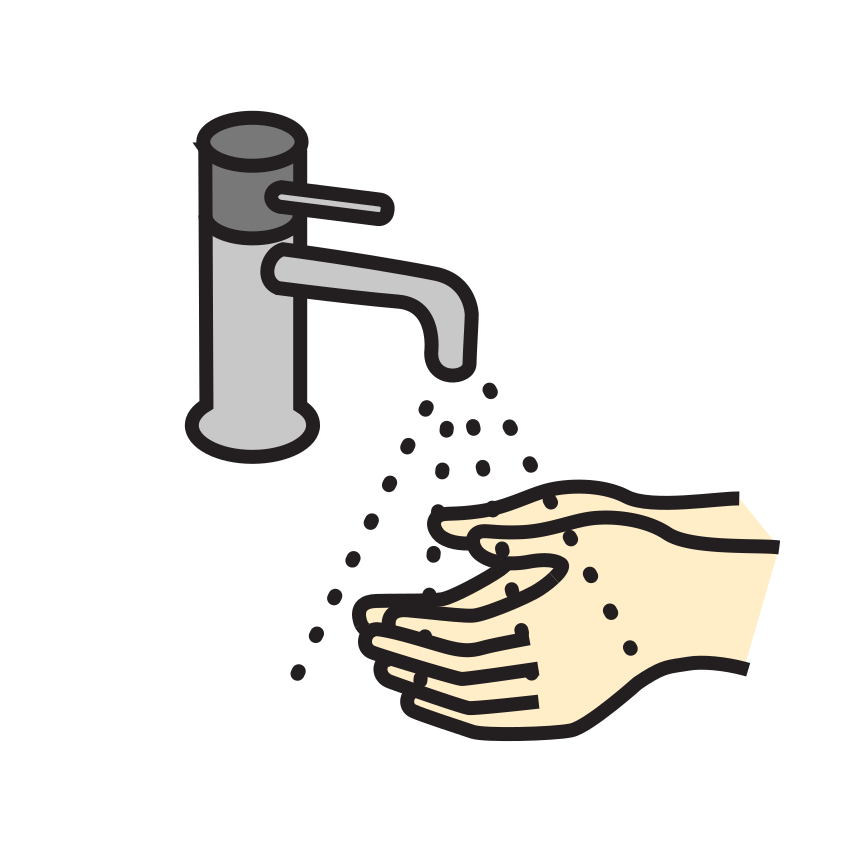
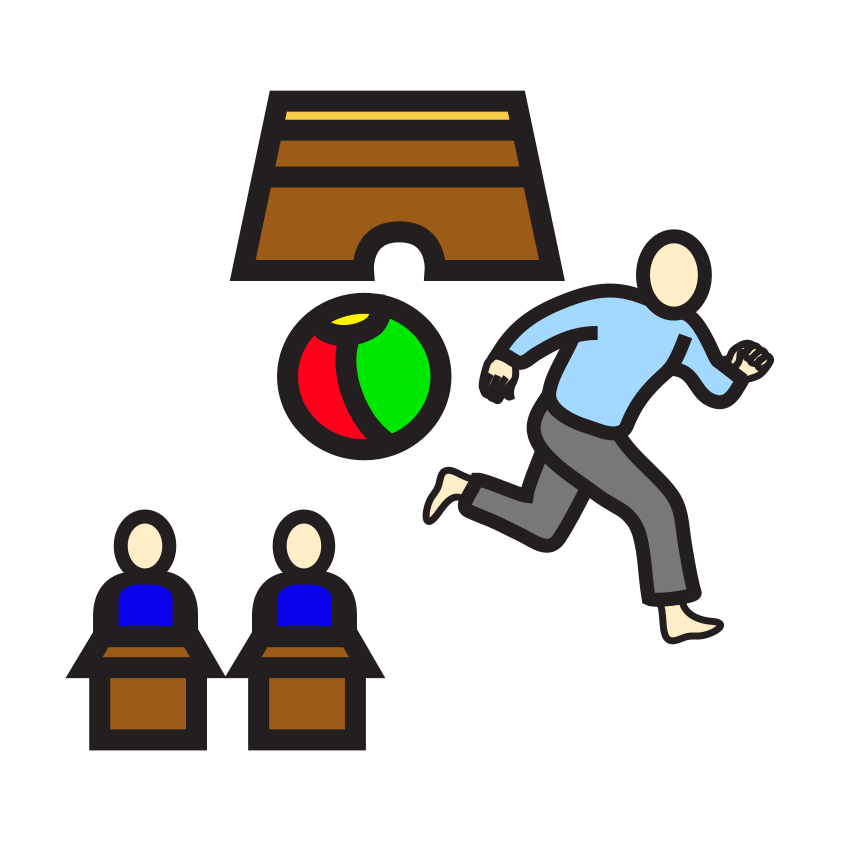
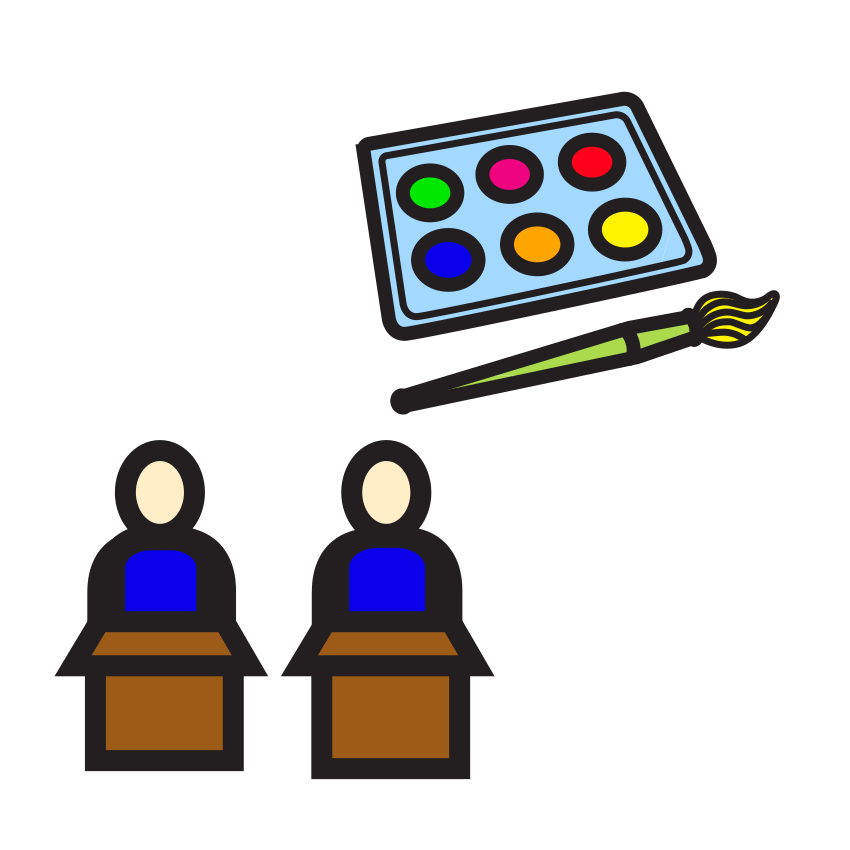
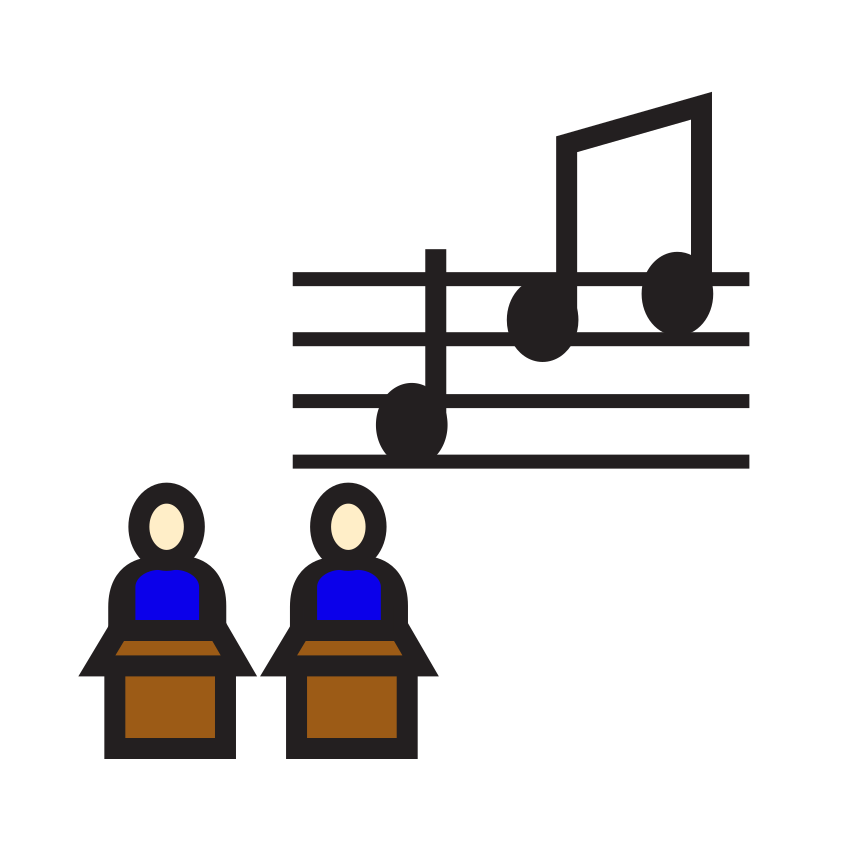
Mulberry Symbols with names and a keyword search.
One tap. Children cannot leave the activity or stop the timer.
Activities and photos live on the device. A school trip, the pool, a corridor with no signal - it makes no difference.
That particular backpack, that room, that person. Sometimes only that is clear.
Number of dots, length of one dot, counting direction, sound and vibration. Brushing teeth and a maths lesson need not look the same.
Library
You set the names and the times yourself. The symbols come from the built-in library - the same ones you pick in the app.

Who it is for
The symbol names the activity without words. The dots show how much is left. The ending becomes more predictable, because they watched it approach.
Brushing teeth, homework, screen time. The timer says the same thing you do, except children can see it the whole time.
Transitions between lessons, independent work, break time. The same app runs on an interactive whiteboard as on a phone.
Dot length and dot count are set separately for every activity. So is the direction - different children suit a different metaphor.
Questions
A visual activity timer. Instead of digits it shows dots that light up one by one, and a symbol naming the activity. Children see what they are doing now and how much time is left, without being able to read a clock.
For children with special educational needs and the people who work with them: teachers, therapists and parents. The app supports organising activities and making the day predictable. It is not a diagnostic or medical tool.
Yes. You name every activity yourself and set its length. Once created it stays in the library on the device and starts with a single tap.
Yes. Instead of a symbol you can add a photo from the gallery or one you take - of that particular backpack, that room, that person. Photos stay on the device and are never sent anywhere.
The app has 132 symbols with names and a search box. They come from the Mulberry Symbols set by Steve Lee, released under the CC BY-SA 4.0 licence. They cover tasks, lessons, time, school, needs, hygiene, and food and drink.
On a phone and tablet, yes - activities, photos and settings are stored on the device. We confirm the licence online from time to time. The browser version needs a connection.
Yes. The app runs in a browser, so you start it on a whiteboard exactly as on a computer. It is the same app as on a phone.
The lock switches on with one tap of the padlock. With the lock on there is no way to leave the activity or stop the timer - including with the Back button on Android.
Data about children's activities is never sent to CzasNaTo. Activity names, photos and settings are stored only locally on the device - we have no access to them and make no backups. By default the app does not record a history of activities either; an adult user can turn it on themselves on that device, and what is recorded also stays locally and is not sent to CzasNaTo. The adult account is a separate matter: the email address and access information are held on our server.
Project stage
We say so plainly, before you spend time creating an account. Public licence sales have not started yet.
Start organising time in a way that can actually be seen.
Questions? Write to [email protected]